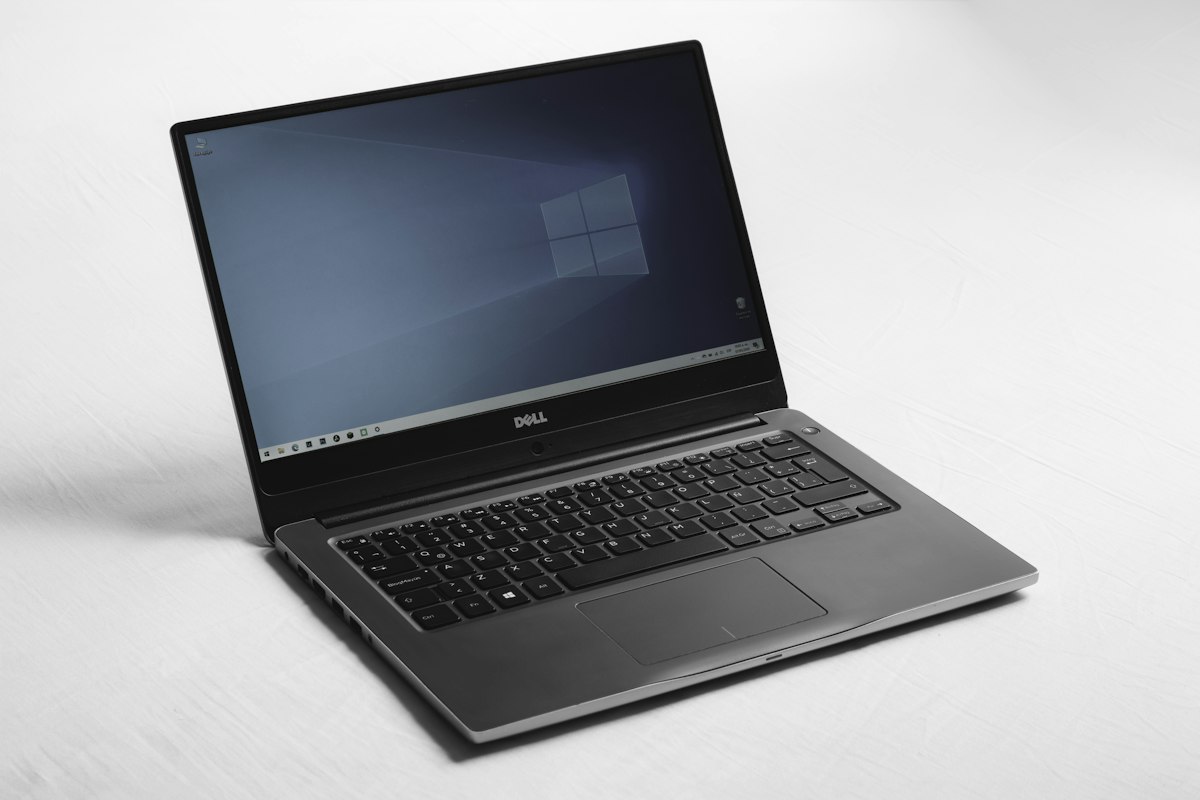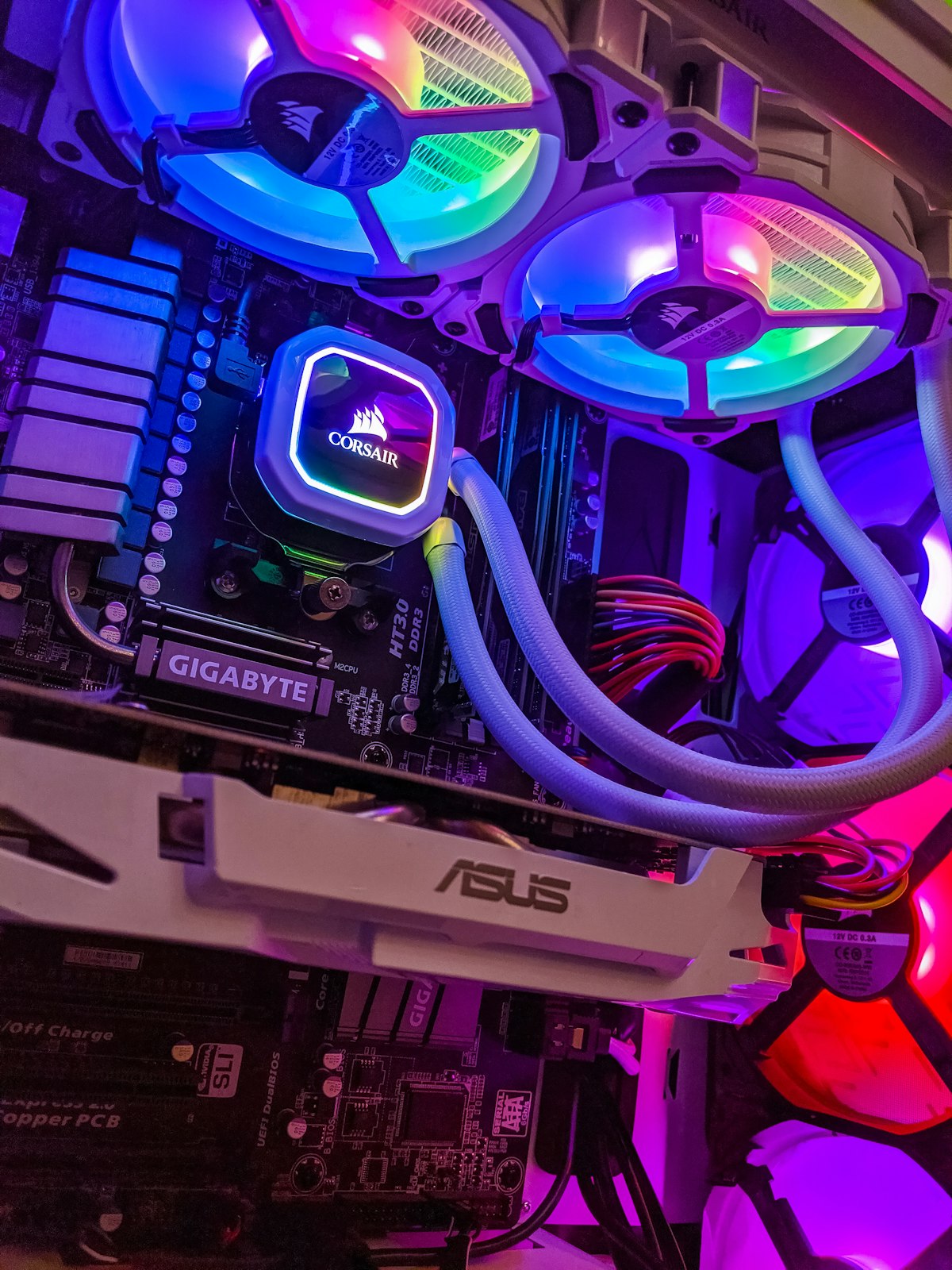
Handing your computer to a stranger is an act of trust, and most people have no idea what happens next. Here is what a proper repair looks like, start to finish, so you know what you are agreeing to before you agree to it.
Typical turnaround times
- Diagnostic: same day to 24 hours
- Software repair (virus removal, Windows reinstall): 24–48 hours
- Hardware swap (SSD, RAM, screen): 1–3 business days, depending on parts
- Motherboard and fine soldering work: 3–7 business days
What actually happens to your machine
- It gets logged in. Your name, the machine, and what you told us it is doing. That description matters more than people think — “it started after a storm” sends a technician somewhere quite different to “it has been slow for months”.
- A technician diagnoses it. Not a guess from the symptoms. That means testing the parts that could plausibly cause what you described, and ruling things out in order. This is free.
- You get a quote. In writing, covering the work and the parts, before anything is started.
- You decide. If you say no, you owe nothing and you take the machine home. That is the whole point of quoting first.
- The repair happens, and the machine is tested properly afterwards rather than just switched on once.
- You collect it, and we tell you what was actually wrong — not just that it is fixed.
The work most repairs involve
- Diagnostic assessment — free, whether or not you go ahead
- Operating system reinstall and driver setup
- SSD upgrade, including cloning your data across so nothing is lost
- Screen replacement — the panel is what drives the price, and it varies a great deal by model
- Liquid damage and board-level work — quoted once we can see how far it reached
What to do before you bring it in
- Back up anything irreplaceable, if the machine still starts. Photos, documents, anything you would be sick to lose. We treat everything on the drive as important and warn you before doing anything that risks it, but a backup you made yourself is the only guarantee.
- Bring the charger. Especially for anything power-related, and it saves us matching one up.
- Know your password. A machine we cannot log into is a machine we cannot test after repairing.
- Leave the bag and accessories at home unless they are part of the fault.
Your data
Most repairs never touch your files. Drive failures and board-level work are the exceptions, and we tell you which category you are in before starting rather than afterwards. Data recovery is a separate job to a repair — getting the machine working and getting the files off it are two different problems, and sometimes only one of them is possible.
Should you repair or replace?
A reasonable rule of thumb: if the repair approaches half the cost of an equivalent new machine, replacement usually wins on long-term value. But it is not the only consideration. A five-year-old laptop with a dead battery is worth fixing; the same laptop with a failed board usually is not. An older desktop that only needs an SSD will feel newer than a cheap new one.
We quote both options where both are sensible, and we say plainly when something is not worth repairing. Turning away work we could technically do is cheaper for us than a customer who spends money on a machine that fails again in three months.
Warranty
Hardware we fit carries a twelve-month warranty. If a part we supplied fails inside that, it is our problem, not yours.
Cannot get to Ramsgate?
We do callouts across the South Coast, remote support for software issues anywhere in the country, and we take repairs in by courier from anywhere in South Africa — see how to courier a device for repair.
Book a repair
Call 039 314 4359, or visit us at 202 Marine Drive, Ramsgate. Walk-ins welcome Monday to Friday 8am–5pm and Saturday 8am–1pm. You can also book online.