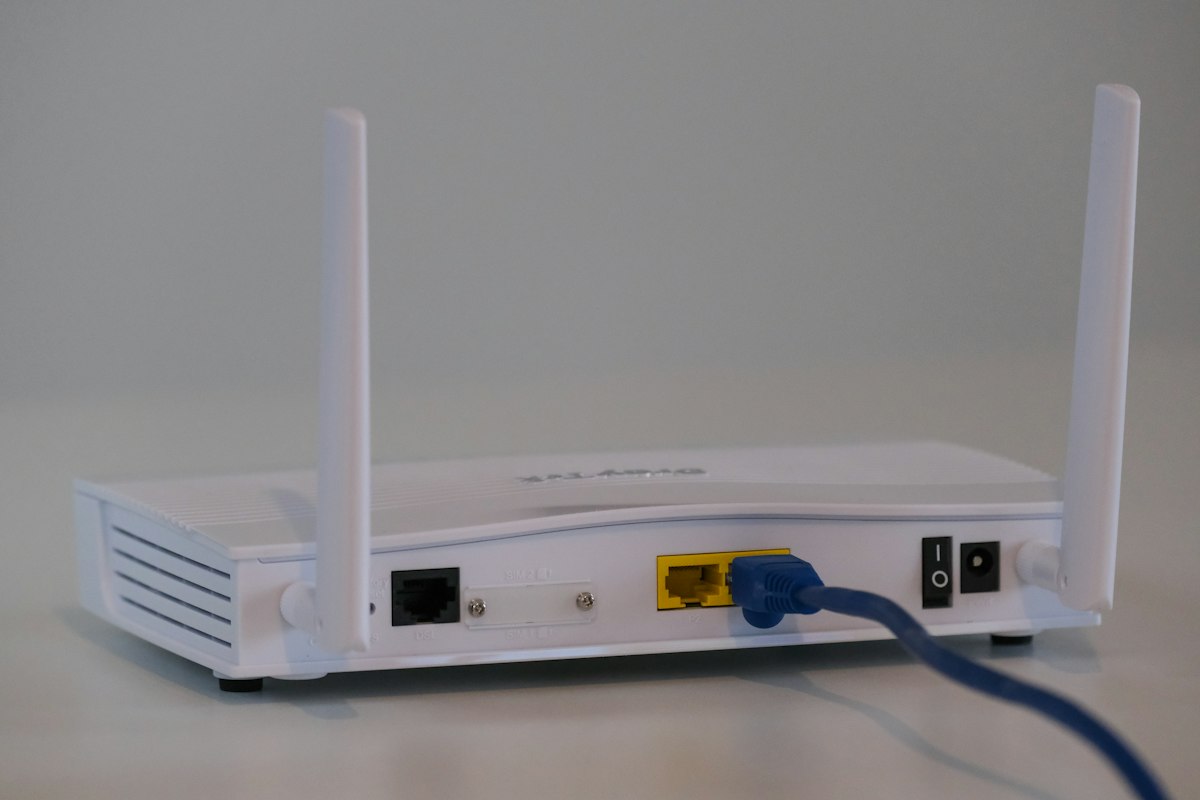
Few things are more frustrating than strong Wi-Fi in the lounge and nothing in the back bedroom. The good news is that most coverage problems are fixable, often without buying a whole new system. Here is how home Wi-Fi works and how to fix the gaps.
Why Wi-Fi struggles to cover a home
Your router broadcasts a radio signal, and like any radio signal it weakens with distance and gets blocked by obstacles. The usual enemies are:
- Thick walls, especially brick and concrete common in South African homes
- Distance from the router
- Interference from other electronics and neighbouring networks
- The router's position, often tucked away in a corner or a cupboard near where the line enters
Try these before spending money
Move the router
This is the most overlooked fix. A router works best central and high up, out in the open, not on the floor behind the TV or inside a cabinet. Even moving it to a more central spot can transform coverage. If it is stuck where the fibre enters, a longer cable to a better position helps.
Restart it properly
Routers run for months without a break and can get congested. Switch it off for thirty seconds and back on. It is simple and often helps.
Check the frequency band
Most modern routers offer 2.4GHz and 5GHz. The 5GHz band is faster but does not travel as far. The 2.4GHz band is slower but reaches further and handles walls better. For a distant room, being on 2.4GHz can mean the difference between a signal and none.
When you need to extend coverage
If repositioning is not enough, you have a few proper options. They are not equal, and the right one depends on your home.
| Option | Best for | Notes |
|---|---|---|
| Wi-Fi extender | One stubborn dead spot | Cheapest, but can halve speed and create a second network name |
| Mesh Wi-Fi system | Whole-home coverage | Multiple units that work as one seamless network |
| Access point on a cable | Larger or double-storey homes | Most reliable, needs a network cable run to the new point |
Why a wired access point beats an extender
Extenders are convenient, but they rebroadcast a signal they have themselves received over the air, so anything weak coming in stays weak going out. A mesh node or access point connected by a network cable carries a full-strength signal to the far side of the house. For larger homes, running a cable and adding an access point is the most dependable fix, and it is a core part of what we do in home networking.
Do not forget power during loadshedding
Your Wi-Fi only works if the router has power. A small UPS keeps your fibre router and network running through a loadshedding slot. We cover sizing in our loadshedding UPS guide.
Let us map your home
Every house is different, so guessing wastes money. We can assess your layout, find the dead spots, and recommend the right mix of router placement, mesh, or cabled access points, then install it cleanly. See our networking services for the full picture.
We have been sorting out home and business networks across the South Coast since 2010. Call 039 314 4359 to talk through your coverage, or book a callout and we will take a look.